Getting the generator
1) Install OpenSCAD version 2021.01 or greater.
2) Get the code
You need phone_case.scad, phone_case.json, and the BOSL2 library. If you use Git, it will include the libraries.
Clone with Git command line
Assuming you have the git command line installed:
git clone https://github.com/SiloCityLabs/Cuttlephone.git --recurse-submodules
Done
Download with Github Desktop:
Use GitHub Desktop to automatically include the libraries.
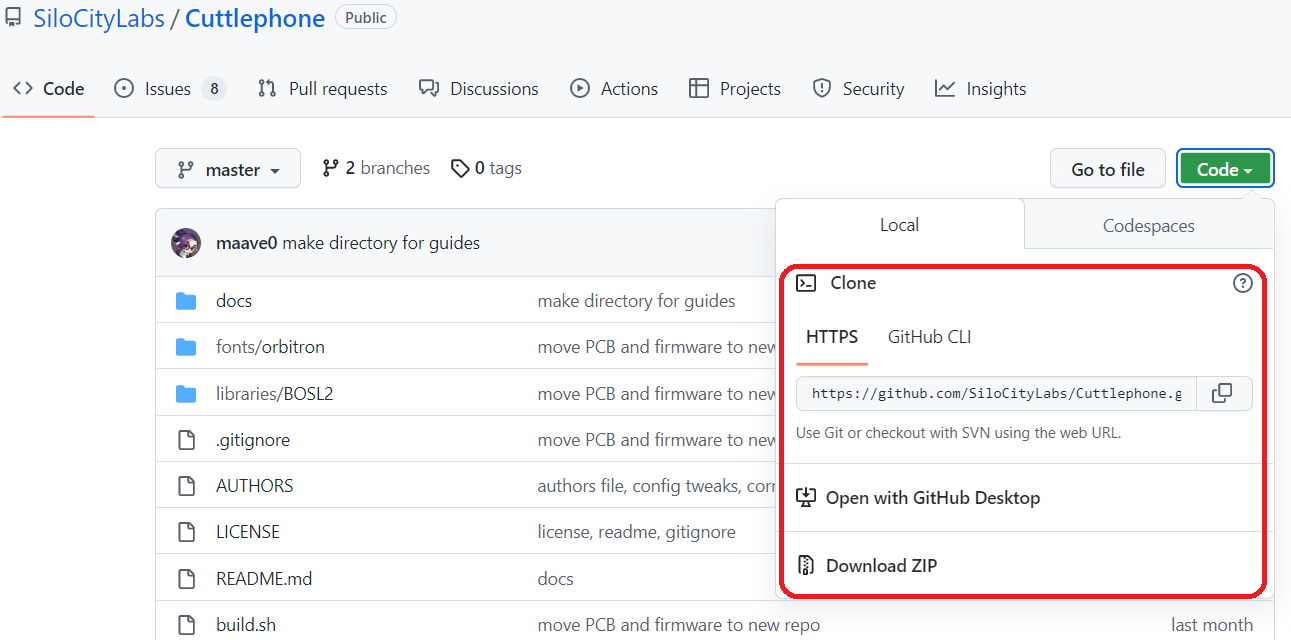
Download ZIP
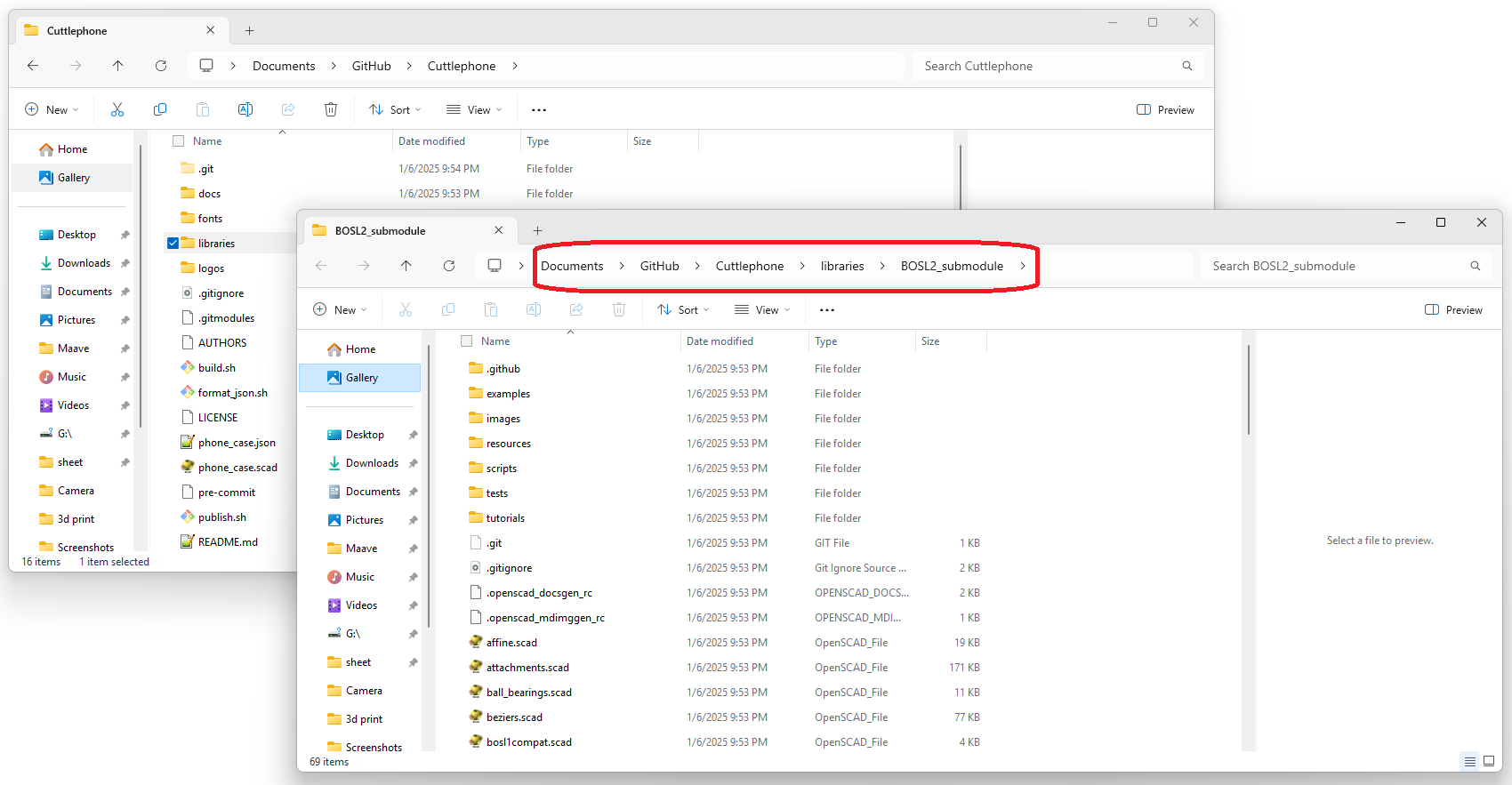
If you choose to download as a ZIP, you will also need BOSL2. Download BOSL2 from GitHub and unzip to Cuttlephone/libraries/BOSL2/. It should look like this:
3) Open phone_case.scad
Open phone_case.scad
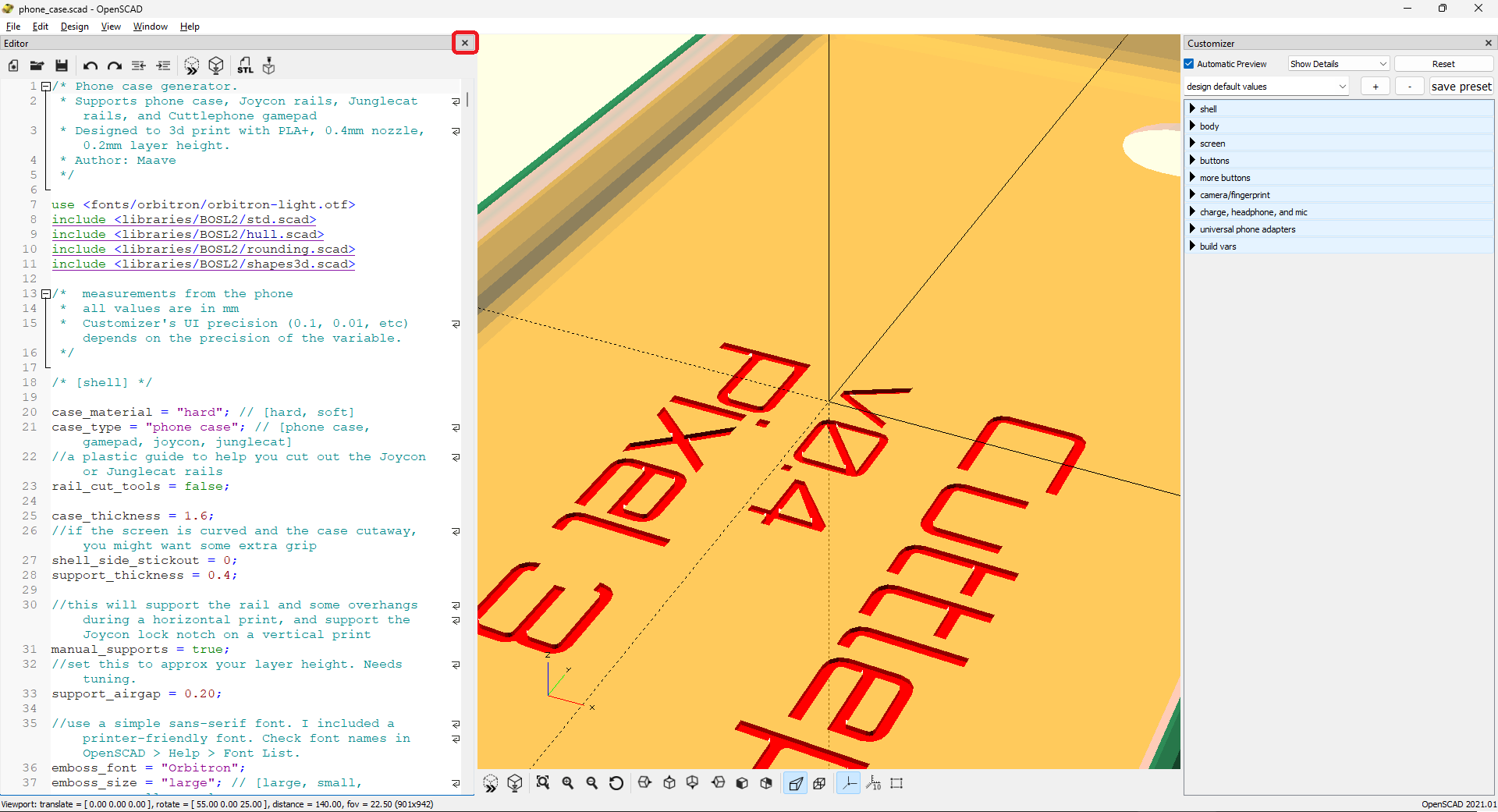
Close the code editor on the left.
Move your phone case into view:
- Left mouse: rotate object
- Right mouse: pan camera
- Scroll wheel: zoom
Customize
Look at the Customizer on the right side. Click the section title to expand and reveal variables. The preview area will update each time you make a change.
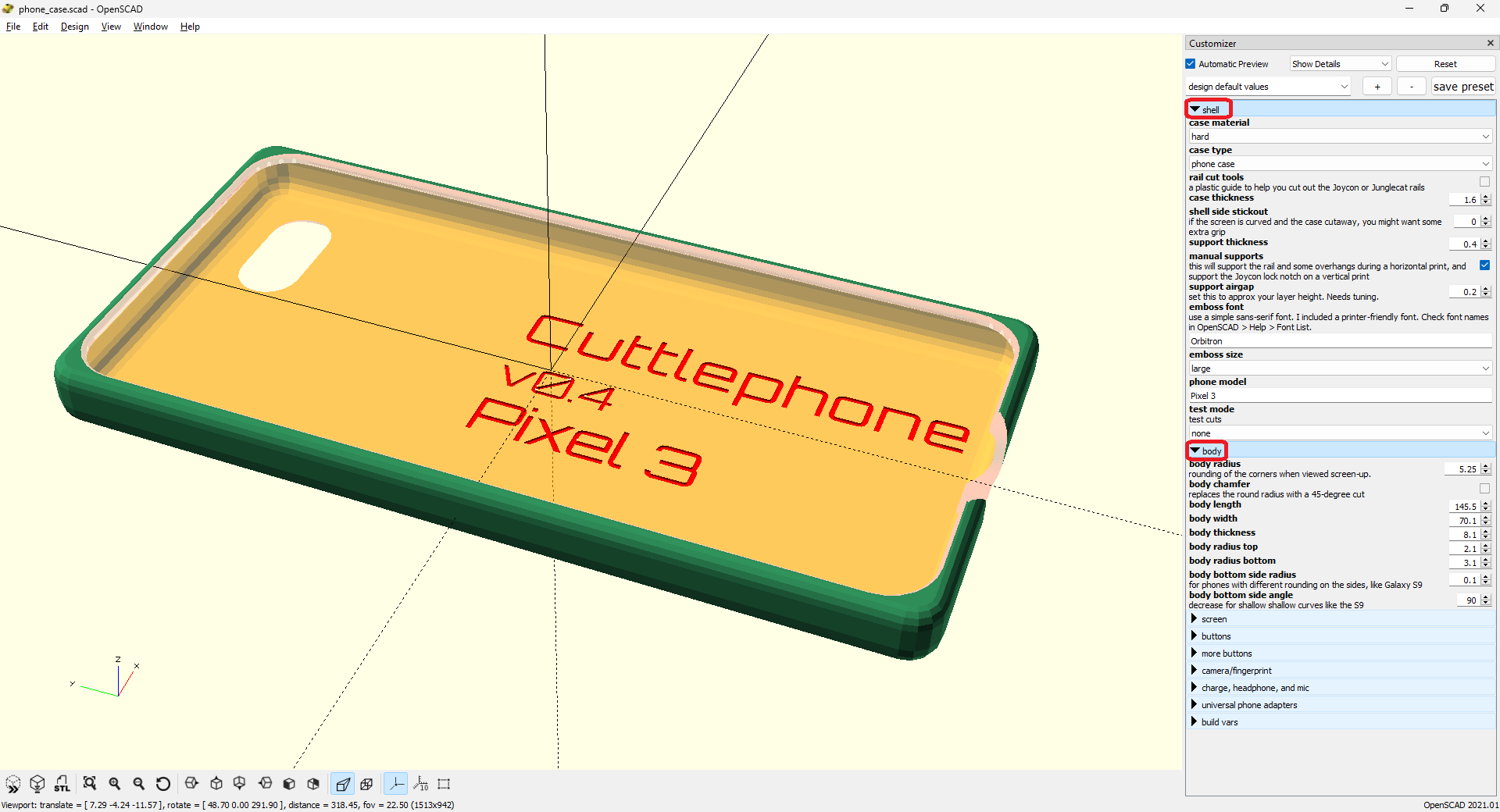
Try it yourself
In the “shell” section you can change the type of phone case.
Try changing the “case type” to Junglecat - rails will get added to the side of the case. Then increase “case thickness” to 2.2 - the case becomes too thick to fit the controllers and so Junglecat wings are added.
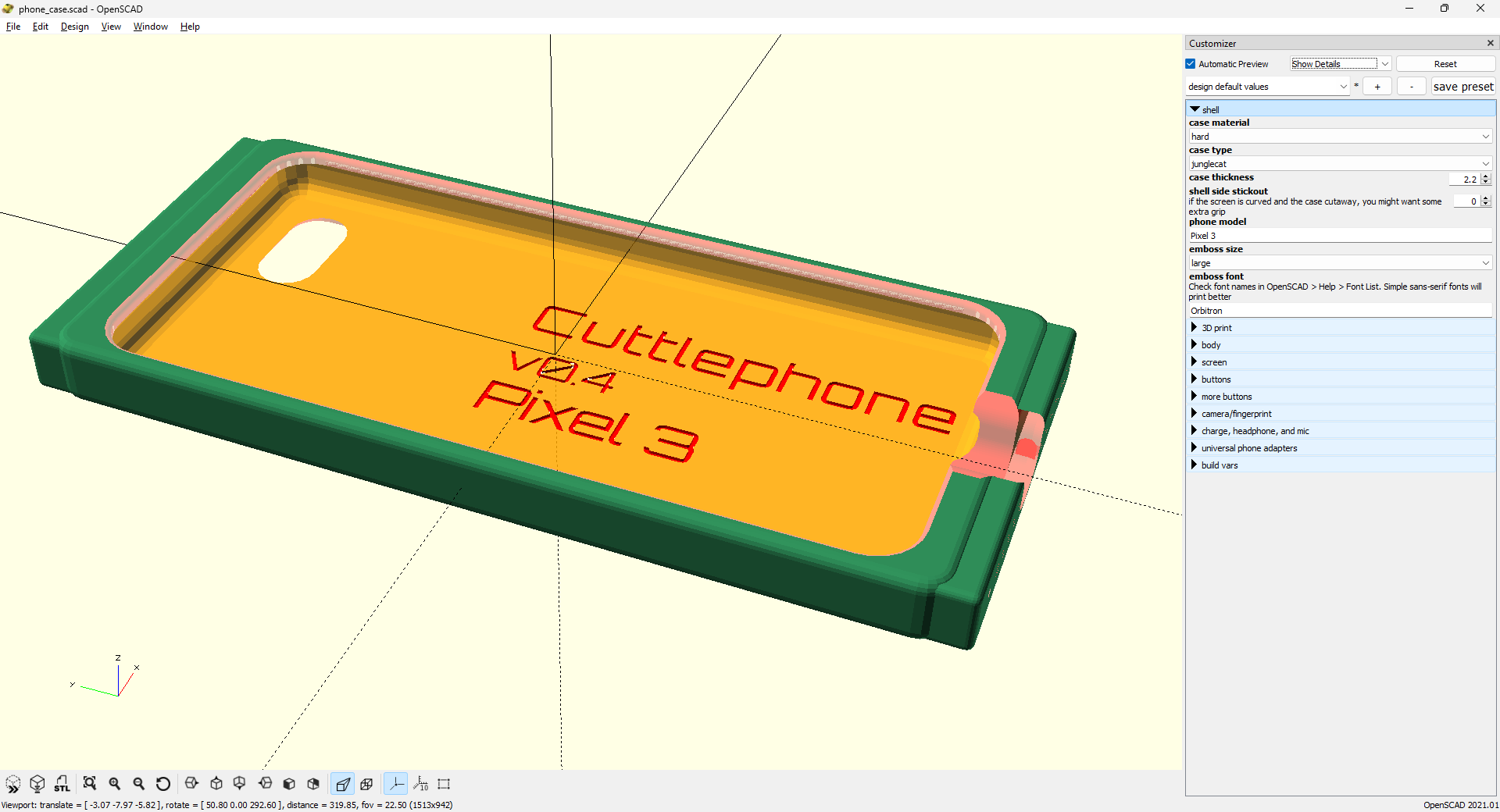
In the other sections you can change the size and features of the case. All the measurements are in millimeters. Measure your phone with calipers.
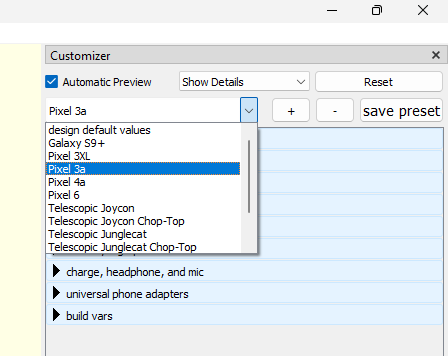
Presets
Custom presets are saved to phone_case.json. Click the dropdown to view available configurations. Select one as a base config, then click the plus button + to make a new config.